How to Use Apple Watch as a Strength Training Coach

Співзасновник Cora (YC W24). Дослідник AI та робототехніки з понад 500 цитуваннями з Google Brain та UC Berkeley.
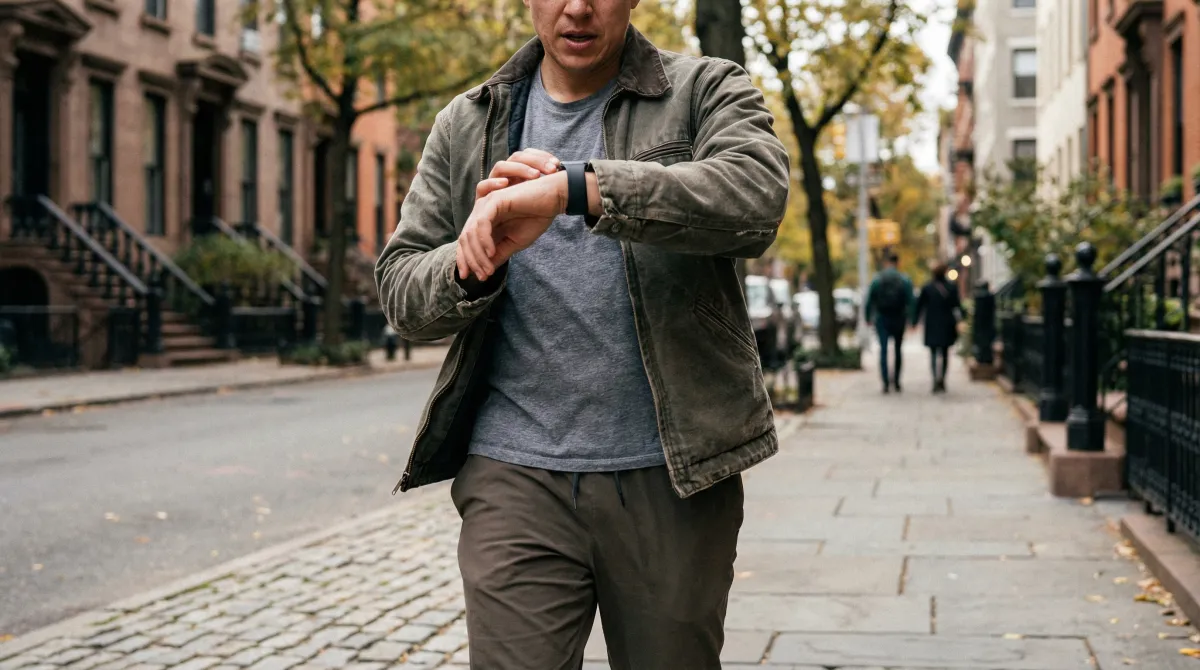
Apple Watch can function as a capable strength training coach when paired with the right software. On Series 9 and newer, it automatically counts reps for major barbell and bodyweight movements. It tracks heart rate, calories, and workout duration throughout your session. And when connected to Cora, it feeds your training data into your Body Charge score to adjust the next day's workout based on actual recovery — not a static schedule. This guide covers exactly how to set up Apple Watch as a strength training tool, which apps to use, and what to realistically expect from the hardware.
Most strength athletes who wear Apple Watch are leaving significant functionality on the table. They start a generic "Traditional Strength Training" workout, check their heart rate occasionally, and ignore the data afterward. With minimal setup — the right app, the right watchOS features enabled, and integration with a health platform — Apple Watch becomes a continuous log of your training, a recovery monitor, and the input to an adaptive coaching system.
What Apple Watch actually tracks during strength training
When you start a Strength Training workout on Apple Watch, it captures:
- Continuous heart rate: Measured every ~5 seconds during active tracking. Reliable during rest periods; may under-read during maximal isometric contractions.
- Active and total calories: Estimated from heart rate and movement data. Directionally useful, not precise (20–40% error vs. lab measures).
- Heart rate zones: Time in each zone tracked and summarized post-workout. Useful for understanding cardiovascular demand of different exercise types.
- Automatic rep counts (Series 9+): Motion sensor data analyzed by the Workout app to count repetitions. Works best for isolation movements; accuracy varies by exercise.
- Session duration and rest periods: Tracked automatically when set tracking is enabled in a paired app.
- Workout load for Health/training load calculation: Apple Health aggregates all workouts into a training load estimate visible in Fitness app and accessible to apps like Cora.
Automatic rep counting: accuracy by exercise type
| Exercise Category | Examples | Rep Count Accuracy | Notes |
|---|---|---|---|
| Isolation — clear wrist path | Bicep curls, tricep extensions, lateral raises | High (85–95%) | Wrist moves in a predictable arc |
| Upper body compound | Bench press, overhead press, pull-ups | Moderate (70–85%) | Grip variations affect wrist motion |
| Lower body compound | Squats, lunges, leg press | Moderate (65–80%) | Wrist is relatively stationary during leg work |
| Hip hinge movements | Deadlifts, Romanian deadlifts, kettlebell swings | Low (50–70%) | Complex joint pattern confuses detection |
| Bodyweight movements | Push-ups, dips, chin-ups | High (80–90%) | Consistent wrist motion throughout |
Хочеш, щоб Cora допомогла з цим?
Спробуй Cora безкоштовноApp comparison: the best strength training apps for Apple Watch
| App | Best for | Apple Watch integration | Recovery-adaptive |
|---|---|---|---|
| Cora | AI coaching that adapts to recovery data | Deep (HRV, sleep, HR, reps) | Yes — adjusts daily plan |
| Hevy | Clean workout logging, social features | Good (log sets/reps on watch) | No |
| Strong | Traditional progressive overload tracking | Good (log sets/reps on watch) | No |
| Fitbod | AI-generated workouts, muscle recovery model | Good (start/log on watch) | Partial (muscle fatigue model) |
How to set up Apple Watch for strength training (6-step guide)
Хочеш, щоб Cora допомогла з цим?
Спробуй Cora безкоштовно- Update to watchOS 10 or later. Automatic rep counting and the best workout experience require watchOS 10+. Go to Settings → General → Software Update on your iPhone to verify.
- Enable Workout reminders. In the Watch app on iPhone, go to Workout → Workout Reminders. This prompts you to start tracking if Apple Watch detects exercise-like heart rate without an active workout.
- Install your chosen strength app and grant Apple Health access. The app needs read/write access to Workouts, Heart Rate, and Active Energy in Health → Data Access & Devices.
- Start workouts from your app, not the native Workout app. Third-party apps that run on the watch (Cora, Hevy, Strong, Fitbod) provide a better logging experience and sync more data to Health than using the built-in Workout app alone.
- Enable set-by-set logging. Most strength apps let you log sets directly from the watch display. This creates a timestamped exercise log that enables progressive overload tracking over weeks and months.
- Review your training load weekly. In Cora or the Fitness app, check your weekly training load trend. A steady upward trend indicates progressive overload is working. A plateau often means you need to increase volume, intensity, or exercise variety.
Using recovery data to drive strength programming
The most underused feature of Apple Watch for strength training is its recovery data. Heart rate variability, resting heart rate, and sleep data are all accessible via Apple Health — and they directly predict whether your muscles are ready for a productive session.
Research on muscle recovery timelines shows that heavy compound movements (squats, deadlifts) suppress performance for 48–96 hours post-session, while isolation movements recover in 24–48 hours. Your Apple Watch's HRV data provides an objective signal of where in that recovery window you actually are — independent of whether you think you feel ready.
Cora integrates this data automatically: if your Body Charge score is in the red zone, it will steer you toward a lighter session or rest day, even if your scheduled training says otherwise. For athletes who want to understand the full HRV-to-training-decision pipeline, see the HRV-guided training protocol.
Strength training and heart rate zones
One frequently misunderstood aspect of using Apple Watch for lifting is heart rate zone data. Strength training produces a distinctive HR pattern: sharp spikes during heavy sets (sometimes Zone 4–5 briefly) followed by rapid drops during rest periods. This is not a sign of inefficient training — it is normal cardiovascular response to anaerobic effort.
What the zone data tells you is the cardiovascular intensity of different exercises and rest lengths. If you are resting 90 seconds between sets and your HR only drops to Zone 3 before the next set, you may need longer rest for true strength expression. If your HR never gets above Zone 2 during your "strength" sessions, the load is likely too low to drive meaningful adaptation. Apple Watch's heart rate data makes these patterns visible in a way that guessing cannot.
For how to track your overall training load and avoid overreaching, see the training load tracking guide.
Відстежуй свої фітнес-дані з Cora
Cora створює AI-плани тренувань, що адаптуються до твого відновлення, відстежує прогрес за всіма метриками та тренує тебе в реальному часі.
Спробуй Cora безкоштовно