Zone 2 Training on Apple Watch: The Complete 2026 Guide

ผู้ร่วมก่อตั้ง Cora (YC W24) นักวิจัยด้าน AI และหุ่นยนต์ มีผลงานถูกอ้างอิงกว่า 500 ครั้งจาก Google Brain และ UC Berkeley
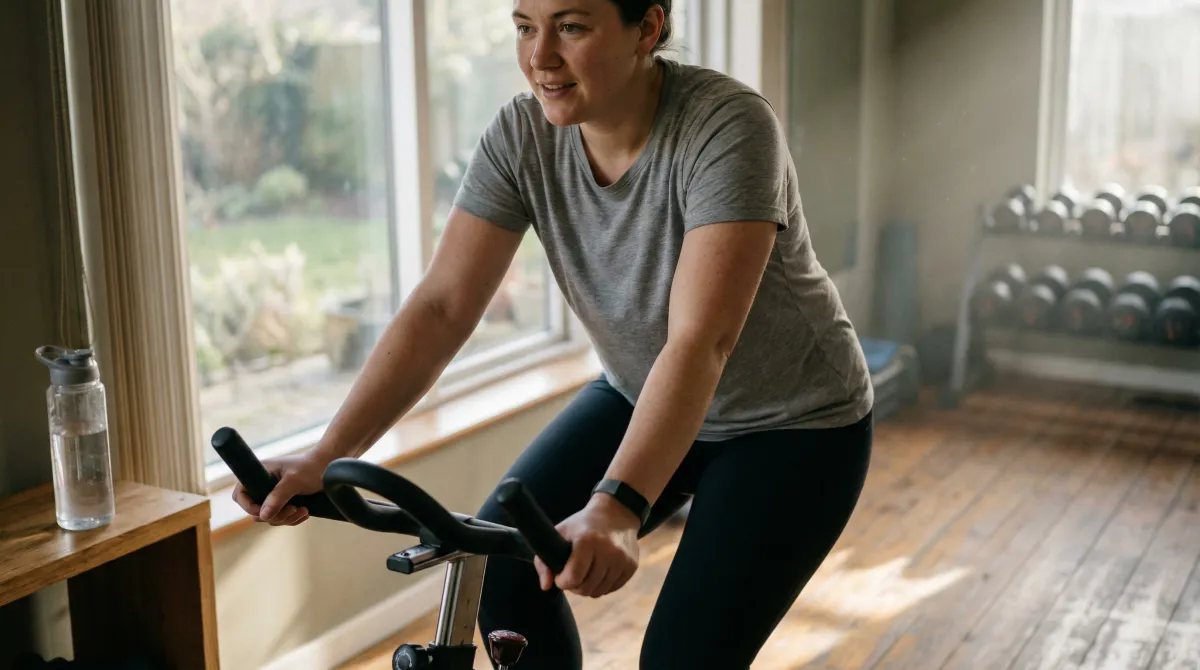
Zone 2 training — sustained low-intensity cardio at 60–70% of max heart rate — is one of the most evidence-backed methods for building aerobic base, improving mitochondrial density, and raising the lactate threshold. Apple Watch can track Zone 2 workouts directly, display real-time heart rate zone data, and connect with apps like Cora for personalized zone calculations based on your VO2max and HRV baseline. This guide covers everything you need to set up Zone 2 training on Apple Watch in 2026, from zone calculation methods to app selection to common mistakes.
Zone 2 training has experienced a resurgence of interest following work by exercise physiologists like Iñigo San Millán at the University of Colorado and Peter Attia's popularization of mitochondrial fitness. The core claim — that a significant portion of training volume should be at low, aerobic-dominant intensity — has strong empirical support and has been a cornerstone of elite endurance training for decades. The challenge for most athletes is not understanding Zone 2 in theory but hitting and maintaining the right intensity in practice. Apple Watch makes this significantly easier.
The science: why Zone 2 works
Zone 2 training sits at the intensity where fat oxidation is maximized, lactate is produced but cleared at an equal rate (the "first lactate threshold" or LT1), and the primary energy system is aerobic rather than glycolytic. Training consistently in this zone drives several key adaptations:
- Mitochondrial biogenesis: Zone 2 activates PGC-1α, a gene regulator that stimulates the creation of new mitochondria — the "engines" of aerobic energy production. More mitochondria means greater capacity to generate energy aerobically.
- Improved fat oxidation: Regular Zone 2 training increases the enzymes involved in fat metabolism, making your body more efficient at using fat as fuel at higher intensities. This improves endurance economy and glycogen sparing.
- Raised lactate threshold: By training the slow-twitch, fatigue-resistant Type I muscle fibers that dominate Zone 2 work, you raise the intensity at which lactate begins to accumulate — allowing you to sustain faster paces at sub-threshold effort.
- Cardiac adaptation: Sustained low-intensity cardio increases stroke volume (the amount of blood the heart pumps per beat) and lowers resting heart rate over time.
Research note: San Millán & Brooks (2018, J Physiol) demonstrated that trained athletes show significantly higher mitochondrial density and fat oxidation capacity compared to sedentary individuals — differences attributable largely to years of Zone 2 training volume. Their work established the molecular basis for why elite endurance athletes spend 70–85% of training time at low intensity.
How to calculate your Zone 2 heart rate range
There are three main methods for calculating Zone 2 on Apple Watch:
Method 1: Apple Watch default (220 minus age)
Apple Watch estimates your maximum heart rate as 220 minus your age, then sets Zone 2 as 60–70% of that value. This is the default and requires no manual setup.
Example: Age 35 → Max HR 185 → Zone 2: 111–130 bpm
Limitation: The 220-minus-age formula has a standard deviation of ±10–12 bpm. If your actual max HR is 175 or 195 bpm, your Zone 2 range will be significantly off. This method works acceptably for average adults but fails for outliers — which includes most trained athletes.
Method 2: Custom max HR override
If you have measured your true max HR (from a recent race effort or a lab test), you can override Apple Watch's estimate: iPhone Health app → Browse → Activity → Heart Rate → Cardio Fitness → edit your profile. Zone 2 is then 60–70% of your actual max HR.
Method 3: Cora's adaptive Zone 2 calculation
Cora uses your Apple Watch VO2max estimate (measured via outdoor runs with GPS and heart rate), your resting heart rate, and HRV data to generate a personalized Zone 2 range that adapts as your fitness changes. This is more accurate than a fixed formula because it incorporates actual physiology data rather than population statistics. Cora also provides real-time alerts during workouts when you drift above or below your personalized Zone 2 range.
Step-by-step: setting up Zone 2 on Apple Watch
- Set up heart rate zone alerts. On Apple Watch: Settings → Workout → Heart Rate Zones → enable zone display during workouts. You can set custom HR alert ranges for any workout.
- Start a workout appropriate for Zone 2. Best options: Outdoor Run, Outdoor Walk, Indoor Cycling, Elliptical, Rowing. Choose based on joint tolerance and preference — any continuous aerobic activity works.
- Set a custom HR alert range. During a workout, swipe to the metrics screen and tap the heart rate display to set a custom alert range. Input your Zone 2 floor and ceiling (e.g., 120–140 bpm). Apple Watch will tap your wrist when you go above or below range.
- Verify with the talk test. At your target Zone 2 intensity, attempt to recite a sentence. If you can speak comfortably but not sing, you are likely in Zone 2. If speaking is effortless, increase pace. If it is difficult, slow down.
- Target sessions of 40–90 minutes. Zone 2 benefits accumulate with duration. Shorter sessions (20–30 min) are better than nothing but provide less mitochondrial stimulus than 45+ minute sessions. Most Zone 2 protocols target 45–75 minute sessions.
- Track weekly Zone 2 minutes in Cora or Fitness app. Aim for 150+ minutes per week for meaningful adaptation. Review monthly trends to confirm Zone 2 pace is improving at the same heart rate — a key fitness marker.
อยากให้ Cora ช่วยเรื่องนี้ไหม?
ลอง Cora ฟรีApp comparison for Zone 2 on Apple Watch
| App | Zone 2 calculation | Real-time alerts | Integration with recovery |
|---|---|---|---|
| Cora | VO2max + HRV adaptive | Yes (haptic on watch) | Yes (Body Charge integration) |
| Apple Fitness+ / native | 220-age formula | Custom HR range only | No |
| Strava | Custom max HR input | Pace alerts only (no HR zones) | No |
| Garmin Connect | Multiple zone models | Yes | Via Training Status (Garmin only) |
| Gentler Streak | Activity intensity tracking | Effort level alerts | Rest reminders |
The 5 most common Zone 2 mistakes
1. Going too hard
The most universal Zone 2 mistake. Most people find "comfortable" pace to be Zone 3 or even Zone 4 — well above the target. Zone 2 at first feels embarrassingly slow, especially for trained athletes. The pace will feel easy; the duration is what makes it hard. If you are running with a group, you may need to run alone or trail the group to stay in zone.
2. Using the wrong max HR estimate
If your Apple Watch's default zone calculation is off, you may be training in Zone 3 while believing you are in Zone 2. Validate with the talk test at your target heart rate. If you cannot speak comfortably, your Zone 2 ceiling is set too high.
3. Skipping Zone 2 because it feels unproductive
Zone 2 adaptation is invisible in the short term. You will not feel "destroyed" after a 60-minute Zone 2 run — and many people interpret this as the session being too easy. The adaptations (mitochondrial biogenesis, fat oxidation, cardiac remodeling) occur over weeks and months, not days.
4. Doing too much Zone 2 at the expense of higher intensity work
Zone 2 should be the foundation, not the entire structure. Elite endurance coaches use a polarized distribution: ~80% Zone 1–2, ~20% Zone 4–5. Complete elimination of high-intensity work blunts top-end fitness. The optimal structure is heavy Zone 2 base with 1–2 high-intensity sessions per week.
5. Not adjusting Zone 2 pace as fitness improves
One of the most meaningful fitness markers is Zone 2 pace improvement: you are running faster (or cycling at higher power) at the same heart rate. If you run the same route at the same heart rate for 6 months, your Zone 2 pace should increase noticeably. Cora and apps that track pace-at-HR over time make this progress visible.
อยากให้ Cora ช่วยเรื่องนี้ไหม?
ลอง Cora ฟรีSample weekly Zone 2 training plan
| Day | Session | Duration | Notes |
|---|---|---|---|
| Monday | Zone 2 run or bike | 45 min | Start of week — moderate duration |
| Tuesday | High-intensity intervals | 30–40 min | Zone 4–5 work (only on green Body Charge day) |
| Wednesday | Zone 2 or rest | 30–45 min | Recovery day — Zone 2 only if HRV allows |
| Thursday | Zone 2 run or swim | 60 min | Mid-week longer session |
| Friday | Rest or mobility | — | Prepare for weekend sessions |
| Saturday | Long Zone 2 | 75–90 min | Longest session of the week |
| Sunday | Rest or Zone 1 walk | 30–60 min walk | Active recovery only |
This plan accumulates 225–285 minutes of Zone 2 training per week — within the evidence-based range for meaningful mitochondrial adaptation. Adjust volume based on your current fitness and how your Body Charge score responds each morning.
Connecting Zone 2 to your broader training system
Zone 2 training is most effective when integrated with recovery data. Doing a 75-minute Zone 2 run on a red Body Charge day adds training stress without the recovery capacity to absorb it. Using Cora, your daily readiness score automatically factors in whether today is appropriate for a Zone 2 session versus complete rest.
For more on building aerobic base with Apple Watch, see the foundational Zone 2 training benefits and Zone 2 basics guides. To understand your personal zones precisely, use the heart rate zones calculator. For the full picture of how HRV and recovery interact with training intensity decisions, see the HRV-guided training protocol and Body Charge explained. The heart rate recovery guide covers how Zone 2 training improves your post-exercise HRR over time.
ติดตามการออกกำลังกายของคุณด้วย Cora
Cora สร้างแผนการออกกำลังกายที่ขับเคลื่อนด้วย AI ซึ่งปรับตามการฟื้นตัวของคุณ ติดตามความคืบหน้าทุกตัวชี้วัด และโค้ชคุณแบบเรียลไทม์
ทดลองใช้ Cora ฟรี